
mr scanman
Mr Scan Man Mr Scan Man Mr Scan Man
     Home   spacer   Articles   spacer   Resellers   spacer   Developers   spacer   Customer Care   spacer   Useful Links    spacer   Contact Us
spacer spacer spacer
spacer
PRODUCT CATEGORIES
spacer
spacer Barcode Scanners
spacer MYOB Barcode Solutions
spacer Quickbooks Barcode Solutions
spacer Apple MAC Solutions
spacer Portable Barcode Scanners
spacer Barcode Software
spacer Bluetooth Barcode Scanners
spacer Print Barcodes
spacer PDA's with Barcode Scanners
spacer Omni Barcode Scanners
   
INDUSTRY CATEGORIES
spacer
spacer Stock Take
spacer Document Management
spacer Asset Management
spacer Warehouse
spacer Inventory Management
spacer Government Solutions
spacer Health Solutions
spacer Libraries / Schools
   
spacer
spacer spacer spacer


spacer spacer spacer
spacer

Home Page > Barcode Software > Bartender Label Printing Software

The Data Collection Experts
Barcode Solutions - Scanners, PDAs, Fonts & Software
ty

Seagull Scientific Bartender Label Printing System for Windows.

With BarTender, a few quick mouse motions are all it takes to combine bar codes, text and graphics into sharp looking, professional quality labels.

From


$695


Description

Incl GST

Buy Now

BarTender BarTender Barcode Label Printing System for Windows  $ 695.00


With BarTender, a few quick mouse motions are all it takes to combine bar codes, text and graphics into sharp looking, professional quality labels. And moving and resizing objects on your labels is as easy as 1, 2, 3.

And customizing is easy. Carefully organized menus and "pop-up" dialogs display even the most advanced options in plain, easy-to-understand words. And, with the industry's most powerful Undo command, even beginners never have to worry about mistakes. And advanced users still have all the power they'll ever need.

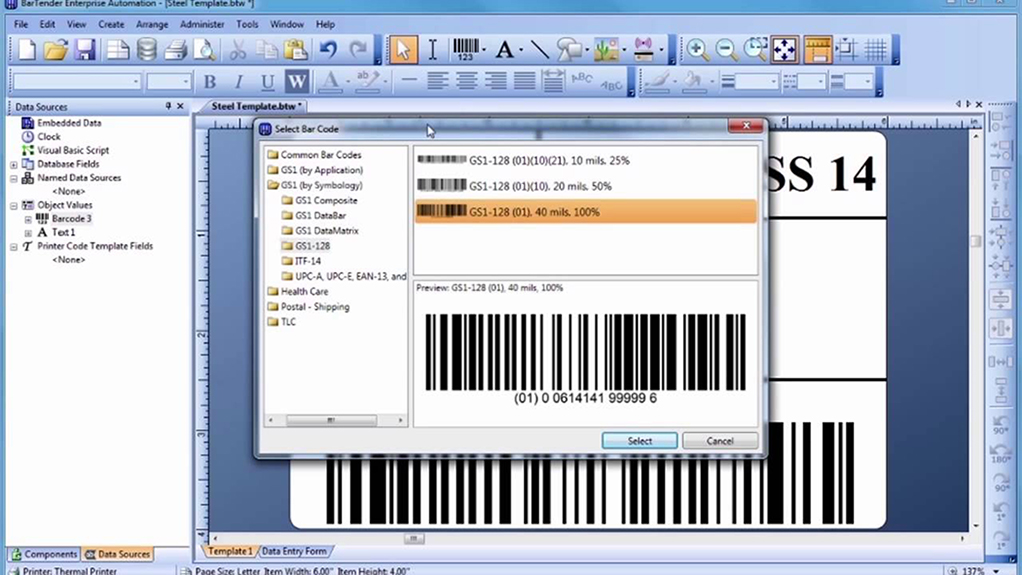
BarTender gives you total control over your label's appearance. Specify any size and quantity of bar codes and any size and style of text on any size label (or page). Choose from nearly twenty bar code languages, including all of the major symbologies, as well as two-dimensional and postal bar codes.


Bartender Specifications

System Requirements

Processor and Memory:

  • On Windows 95, 98 and ME: 486/66 and at least 32MB RAM

  • On Windows NT, 2000 and XP: Pentium or equivalent and at least 64MB RAM

Hard Disk Requirements:

  • From 10MB to 49MB

  • Add 18MB if installing MDAC (ODBC) drivers

Note:  Enterprise Edition requires TCP/IP network protocol.

Printer Support

BarTender's provides full printer support for high-speed label printing as well as standard office printers, such as laser, ink-jet, dot-matrix and label printers with existing Windows drivers.

Our enhanced Windows drivers deliver access to numerous high-speed commands available in a variety of thermal label printers, but not available when using drivers from the printer manufacturers themselves. Seagull currently provides enhanced drivers for Brady, C.Itoh, cab, Citizen, DATAMAX, Datasouth, IBM, Intermec, METO, Okabe, Paxar Monarch, PRINTRONIX, Ring, SATO, System Wave, TEC, Tharo, Unimark and Zebra/Eltron. (These drivers may also be used by other Windows programs, but with performance comparable to that of standard Windows drivers.)

Other Printing Features

  • Selectable printer port and communication speed

  • Seagull printer drivers usable by other Windows programs and shareable across networks

  • Set starting position on pages of partially used labels.

Label Design

  • True on-screen WYSIWYG display

  • Choice of rectangular or circular label outline*

  • Multiple concurrent design sessions (through MDI)*

  • Unlimited Undo/Redo command*

  • Create bar code and text objects with single mouse click

  • Unlimited size and number of bar code and text fields

  • Lines, boxes and graphic images

  • Resize objects by stretching with mouse

  • Reposition objects by moving with mouse

  • Resize and reposition objects by typing in values

  • Keyboard equivalents for all available mouse actions*

  • Full colour support

  • Move to front, send to back

  • Group and ungroup multiple objects

  • Automatic positioning and alignment functions

  • Rotate objects by 0, 90, 180, 270 degrees

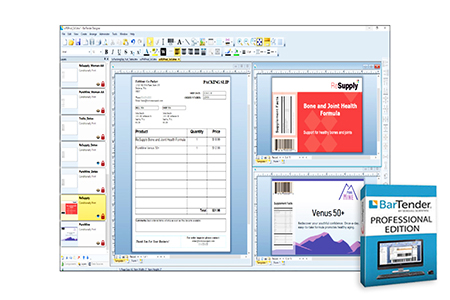
  • Includes numerous "ready-to-print" formats

Label Stock

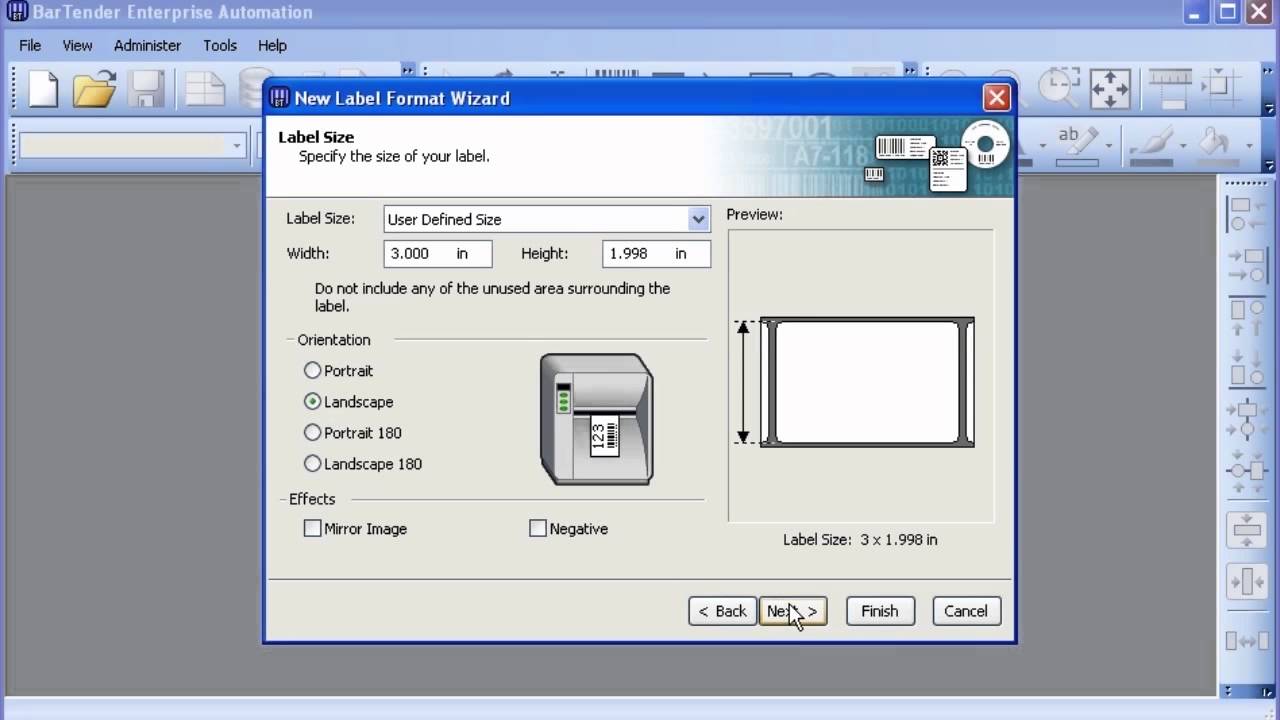
  • Unlimited maximum label size

  • Minimum label size: 1/10" x 1/10"

  • Unlimited label rows and columns per sheet

  • Independent top, bottom, left and right margins

  • Computation of label size from number of rows and columns*

  • Separately controllable label height & vertical repeat distance

On-Screen Display

  • Precision, true WYSIWYG label design

  • On-screen display of label stock

  • Cursor automatically changes depending on action

  • Optional display of cursor coordinates*

  • Thumbnail previews of saved labels*

  • Comment area for saving notes on label designs

  • Convenient pull-down menus

  • Tabbed-dialogs for fast customizing

  • Menu short-cut keys for rapid access

  • Windows 95 & NT 4.0-style "right mouse button" support*

  • Three separately moveable tool bars*

  • Tools tips help identify unfamiliar icons*

  • User-configurable design grid size

  • Adjustable resolution positioning rulers

  • Metric and Standard American system units

  • User-configurable zoom parameters

  • Optional snap-to-grid

Bar Codes

  • Independent height and width settings

  • Unlimited maximum width and height

  • No minimum height

  • Minimum width limited only by printer resolution

  • Move and resize using mouse

  • Automatic check digit capability

  • Sequentially numbered bar codes

  • Numerous supported symbology, including 2D codes:

Regular and Full ASCII Code 3-of-9 (including LOGMARS, HIBC, AIAG, etc.), Code 128 (including all UCC/EAN-128 & Shipping Container Codes), Interleaved 2-of-5, UPC-A & E, UPC Supplemental, Code 93, Postal Bar Codes (including Zip+4 and DPBC), Codabar, EAN-8 & 13, JAN, MSI Plessey, PDF417, Code 1 (Intermec printers only), Data Matrix, Maxicode

Human-Readable Bar Code Characters

  • Place above or below bar codes, or turn off

  • Independent horizontal and vertical positioning

  • Customisable character template

  • Independently suppress or display characters from different sub-fields

  • Option to display start/stop characters

Text

  • Built-in printer fonts

  • Windows TrueType fonts

  • Adobe Type 1 fonts

  • PostScript fonts (on PostScript printers)

  • White-on-black text printing*

  • Text resizable with mouse or keyboard values

  • Stretch text horizontally and/or vertically

  • Automatic paragraph text wrapping

  • Align text left, right, centre, or justified

Graphics

  • Import graphics in BMP, DCX, DIB, DXF, EPS, IMG, JPG, PCX, PNG, TGA, TIF, WMF, WPG

  • Resize, rotate and stretch graphics

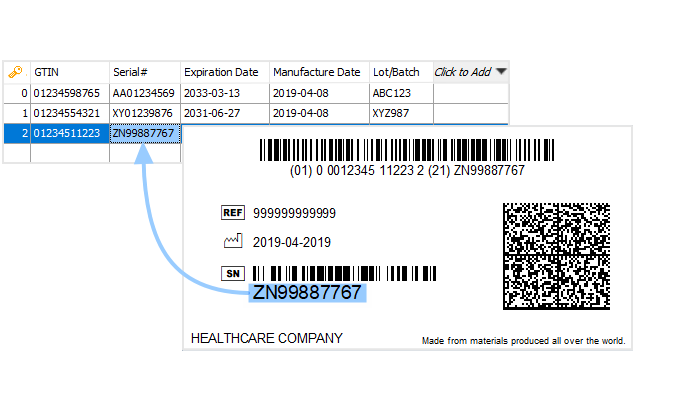
  • Import variable graphics from databases*

  • Export bar codes and labels for use in other programs

  • Draw lines and boxes

General Data Capabilities

  • Visual Basic scripting for custom data processing*

  • User-designable forms for keyboard data entry*

  • User-definable min and max field lengths*

  • Customisable data entry filters and error checking*

  • Automatic print job status reports and errors logs*

  • Object-oriented concatenation of multiple sub-fields*

  • Unlimited prefix and suffix lengths

  • Easy entry of special and "unprintable" characters*

  • Shareable data fields

Internal Data Sources

  • "Permanent" keyboard data

  • "Prompt" for keyboard data at print time

  • User-definable custom print-time prompts

  • Automatic time and date values with offset

Serialisation

  • Increment or decrement by any interval

  • Separate rollover/rollunder and reset values

  • Preserve or expand field length when rolling over

  • Numeric, alphabetic and custom base* serialization

  • Keep or discard changed values

External Data Sources

  • ASCII text files (comma, quote-and-comma, or tab delimited)

  • Import variable graphics from databases*

  • Microsoft ODBC support, including compatibility with drivers for:

  • Access, Allbase, AS/400, Btrieve, Clipper, dBase, DB2, Excel, FoxPro, Ingres, Informix, Interbase, Lotus 1-2-3, Oracle, Paradox, Progress, Quattro, SQL Server, Sybase, XDB, and more.

Data Reporting

  • Entire file

  • Individual record

  • Query by example

  • Preview query results

  • Record range

  • Search for record

  • SQL select statement

Print-Time Copy Control

  • Number of identical and/or serialized copies selectable from keyboard and/or read from file

  • Where supported, copies and serialization controlled by printer for increased throughput

Execution From within Other Programs

  • "Commander" Integration Software Utility

  • SAP IDoc Interface (R/3 and mySAP.com)

  • Controllable using "ActiveX"

  • Also controllable using command line parameters.

  • Pre-loadable into "background" to avoid start-up delays

  • Dynamically selectable label formats and data sources

  • Accepts data reporting directives

On-Line Help

  • Context-sensitive help

  • Hypertexted version of User's Manual located in help system

  • Single on-screen "help-line" for quick reference

* Asterisked features only available in 32-bit version. Only available in the Enterprise Edition.

Specifications are subject to change without notice.  All product and company names are trademarks, service marks or registered trademarks of their respective owners.


spacer
spacer spacer spacer
spacer

spacer
spacer spacer spacer
 
spacer spacer spacer
 
spacer Don't Know Where To Start! spacer
 
spacer


Have a look at our
Information Section

spacer
spacer spacer spacer
 
spacer spacer spacer
 
spacer Would you like us
to send you our latest
spacer
 
spacer


Barcode Solutions Catalogue
?


spacer
spacer spacer spacer


Home   |   Articles   |   Resellers   |   Developers   |   Customer Care   |   Contact Us
Copyright © MrScanman, 2006. All Rights Reserved